
The screenshots show ScoreStory in Dutch. The app itself speaks your language: pick it under your account.
This chapter describes what the participant sees. You can try it yourself with the "Test this survey" button in the top right of the detail page; it opens a trial interview in a new tab (such test sessions don't count towards your results).
When the survey is anonymous
If the survey is anonymous, the participant reads what that means before starting — not as a reassuring sentence, but as a list of what does and does not happen. Including what does become visible: their organisation sees that they took part, only at the next 72-hour round.
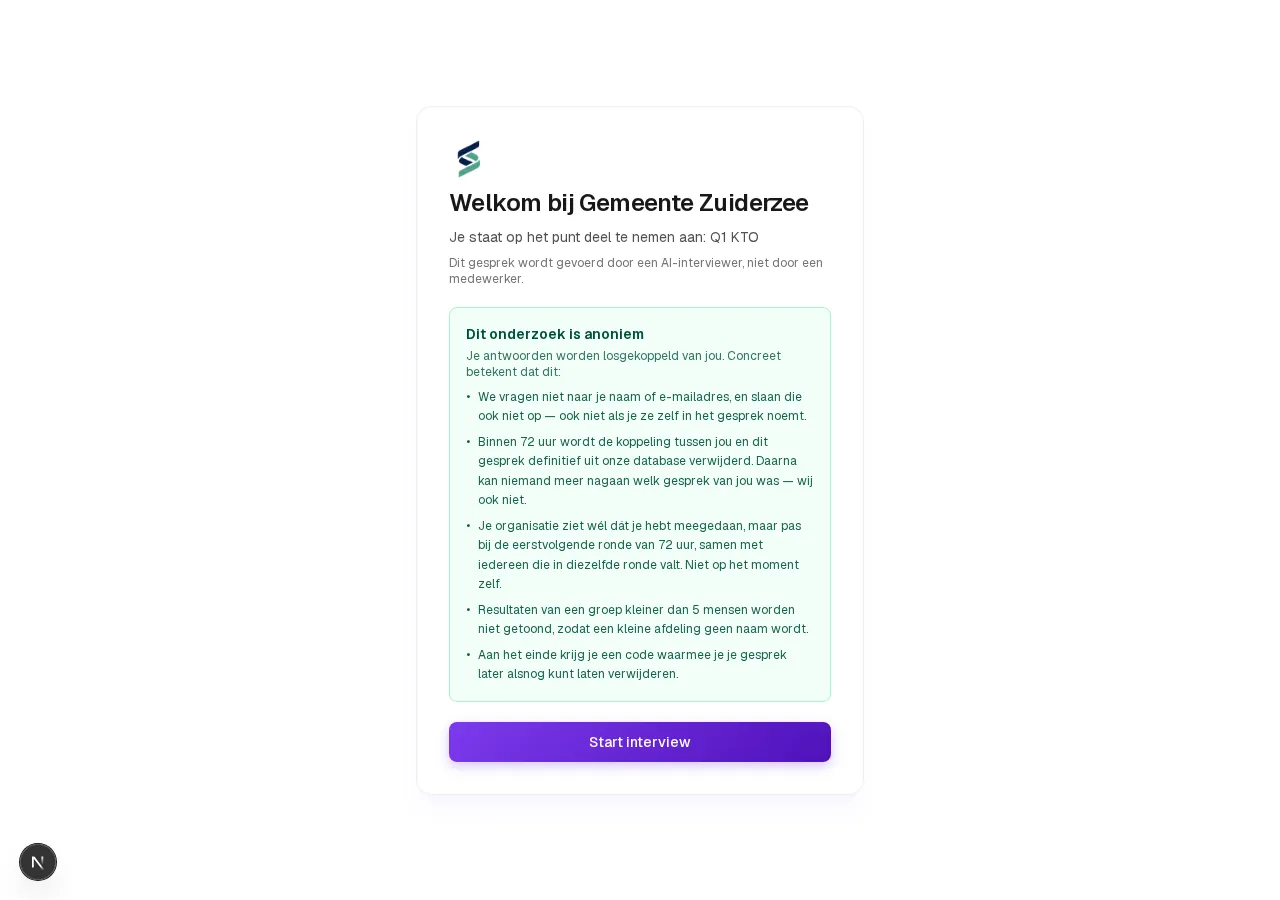
During the interview a small "Anonymous interview" label sits next to the notice about the AI interviewer. Vox never asks for a name or e-mail address, and a participant who introduces themselves is not recorded — those details are simply not stored.
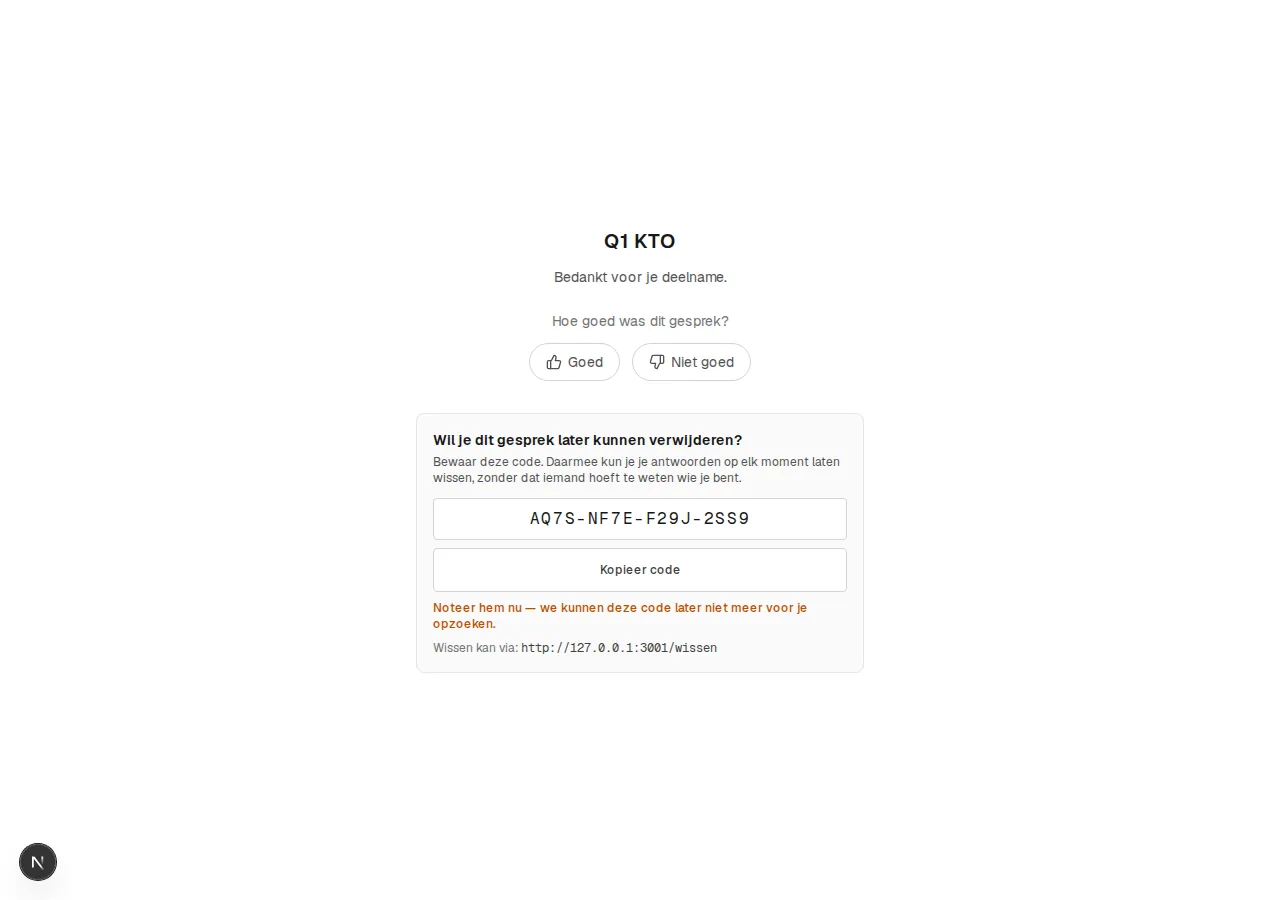
At the end the participant receives a deletion code. It lets them have
their own interview erased later via /wissen, without anyone needing to
know who they are. We do not keep the code: it is shown once, so the
participant has to write it down.
The invitation page
When a participant clicks your link (or scans the QR code), they land on a short welcome page with the name of your organization and survey, in your house style (logo and color). One click starts the interview.
The steps of the interview
- Attributes & identity — if configured, ScoreStory first asks a few attributes (for example location) and optionally name/email.
- Topic selection — the participant can optionally choose in advance which topics they want to discuss.
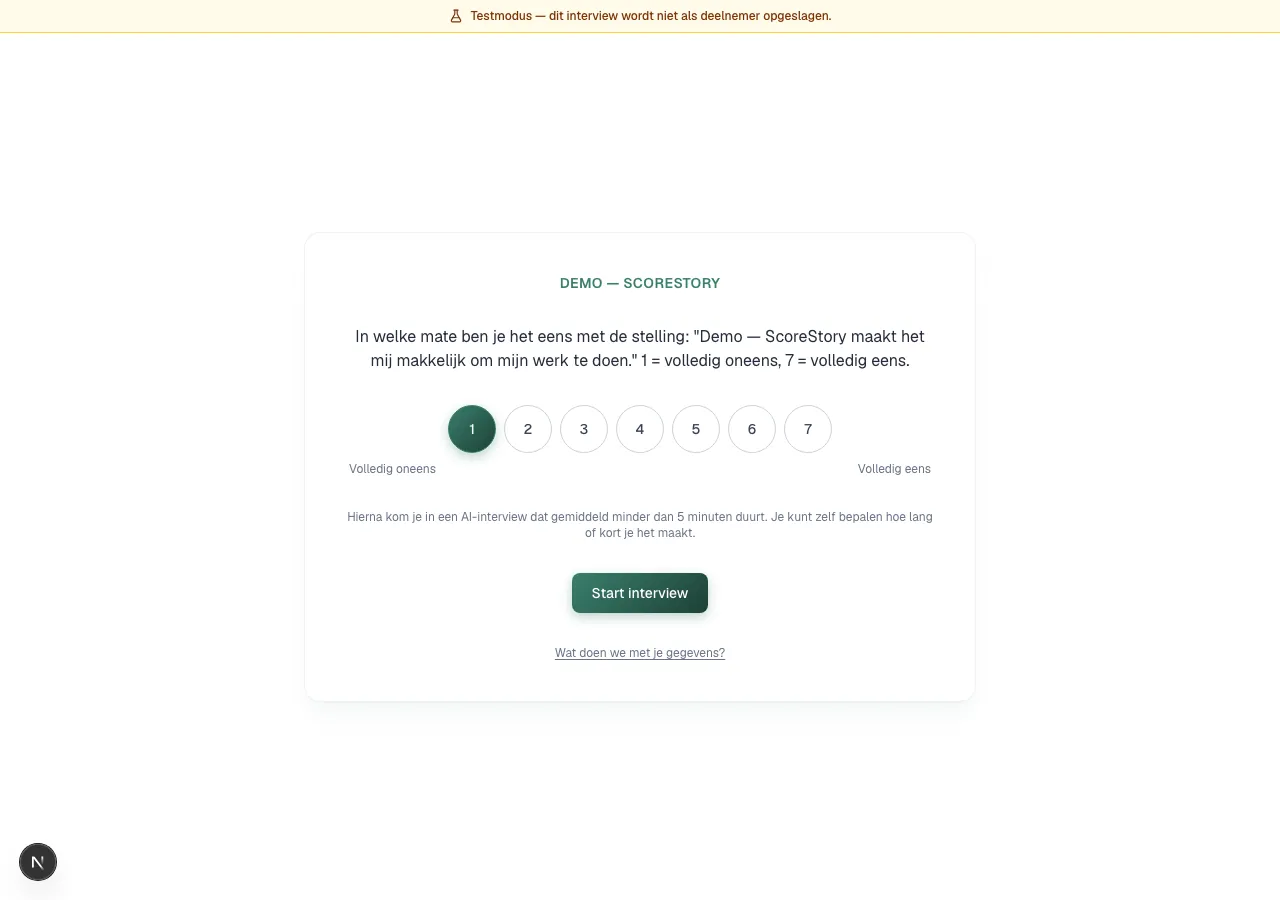
- The score — the metric question, with a colored scale and labels at the ends (for example Very unlikely … Very likely).
- The interview — after the score, Vox, the AI interviewer, starts the interview: it briefly summarizes, probes for the why and asks for concrete examples. The participant can type or speak (speech is automatically converted to text) and give a thumbs up/down per reply from Vox. At the end the participant wraps up the interview and can rate the interview as a whole.
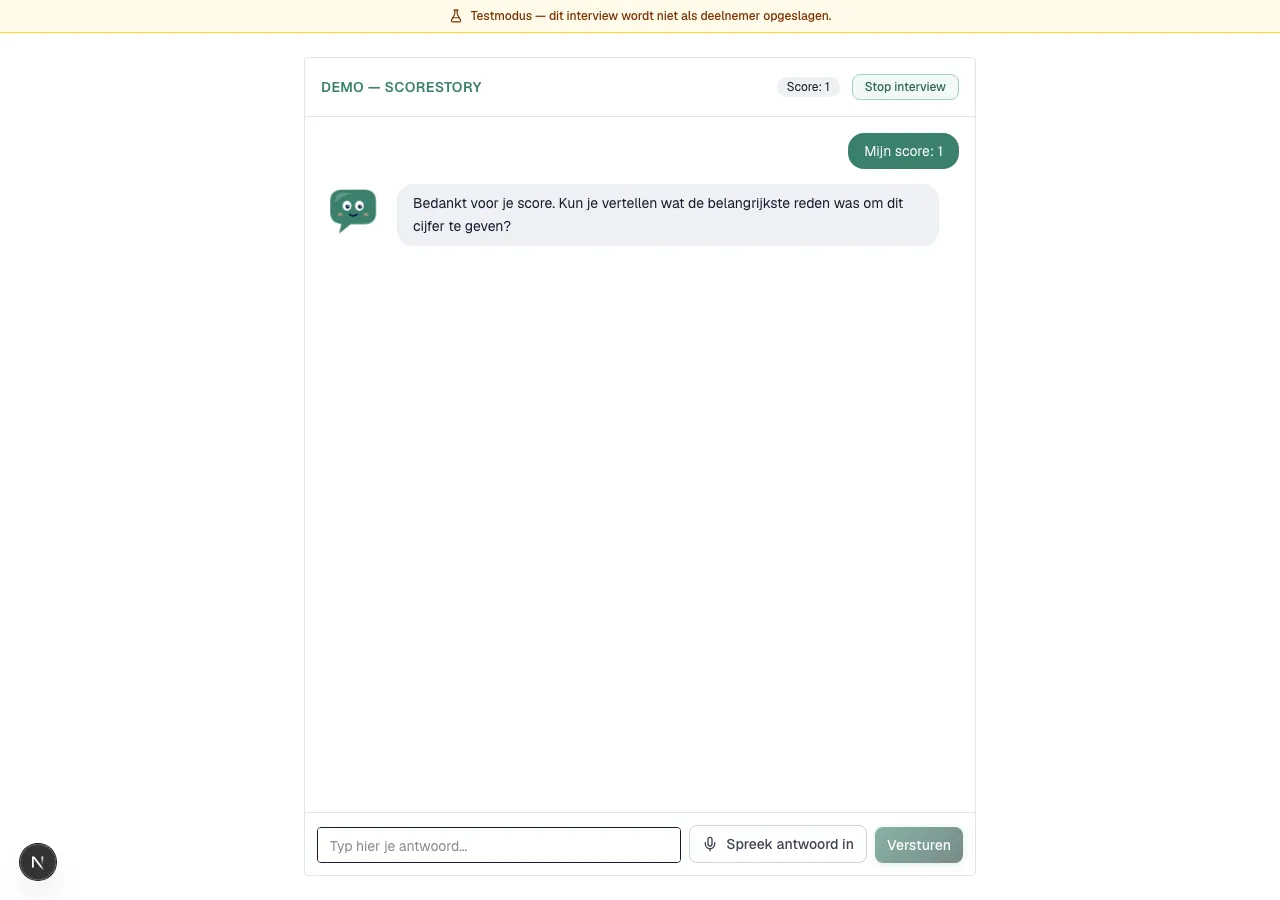
When Vox is switched on (see chapter 3, under Tone of voice), the character sits beside the questions in your organisation's colour.
The interview usually takes a few minutes; the estimated duration is shown upfront.
Two kinds of "invitations" — mind the difference
- Participant invitation (
/i/...): takes someone to an interview for a survey. This is what this chapter is about. - Team member invitation (
/invite/...): invites a colleague to become a member of your organization in ScoreStory (see chapter 8 → Users).
← Inviting participants · Table of contents · Next: Participants →