

Your participants don't all speak the same language. From now on they choose it themselves, and you type the opening question only once. An interview starts with one click, a new survey has a link to share straight away, and your results show what is still on its way.
Everyone in their own language
Every interview now has a language choice at the top. When a participant picks another language, everything switches with it: the text on the page, the opening question and the interview itself. An interview can run in eight languages.
You type the opening question once, in the language you use ScoreStory in. ScoreStory translates it into the other languages, along with the labels on your scale. Want to see or adjust a translation? Switch ScoreStory to that language and you see the question as participants in that language read it.
If your survey is set to the browser's language, the interview starts in the participant's language. Want a link or popup to start in a particular language? Add ?lang=de, for example.
A faster start
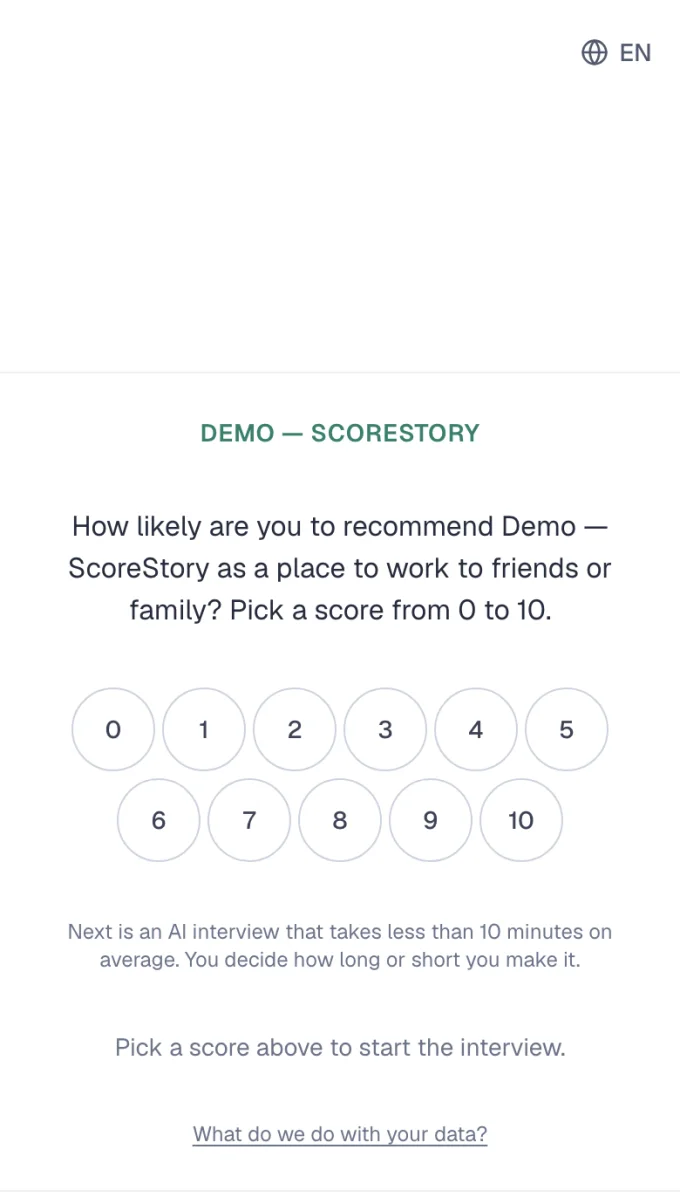
Whoever clicks your link sees the first question straight away. The welcome screen is gone, and so is the extra button: clicking a number starts the interview. The note about AI and anonymity is right there on that first screen.
A new survey comes with a public link and a popup for your website from the start. The links sit on the Overview tab, so you copy and share them from there.

If you had filled in allowed domains for a popup, that popup did not start. The setting is gone, and every popup works again on the site where you place it.
See what is still being analysed
After a wave of interviews, the analysis needs a moment. Results now shows a notice while interviews are being analysed or new themes are being merged. The results fill in by themselves, without reloading the page.

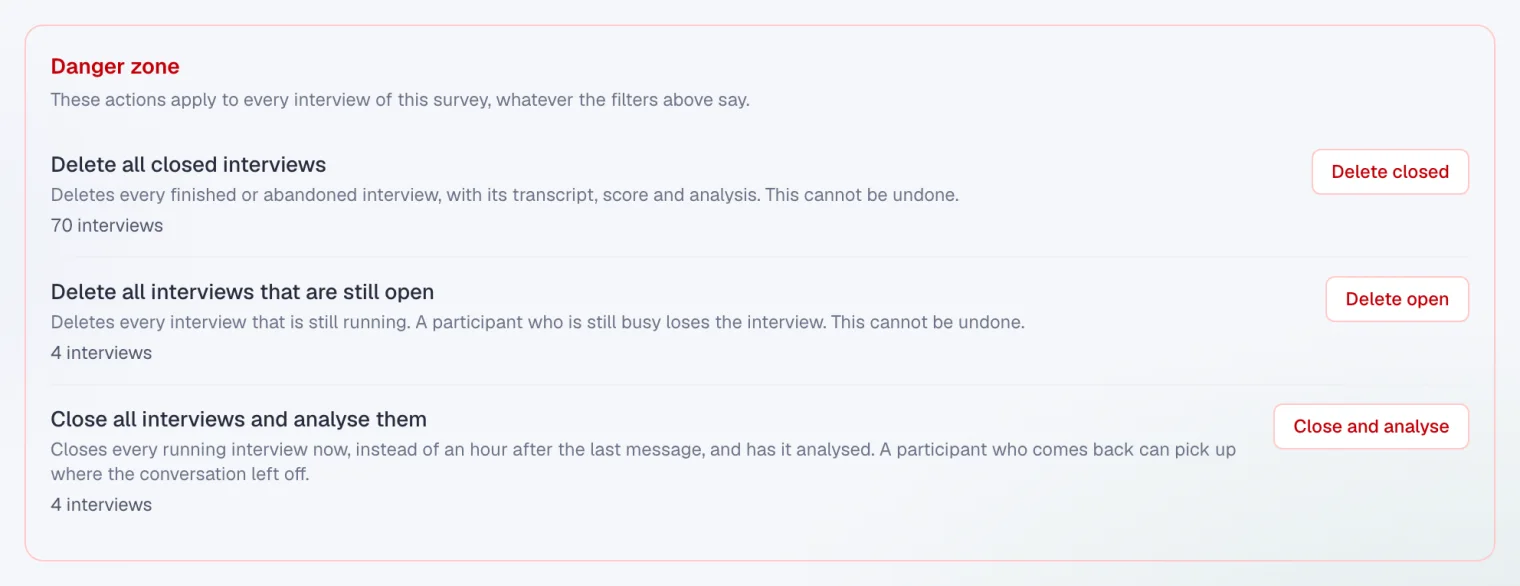
Under All interviews there is now a danger zone. There you delete all closed or all running interviews in one go, after a test round for example. Or you close every running interview and have it analysed right away, instead of waiting for it to close by itself after an hour of silence. You always see how many interviews are involved, and you confirm first.
Choose which attributes you filter on
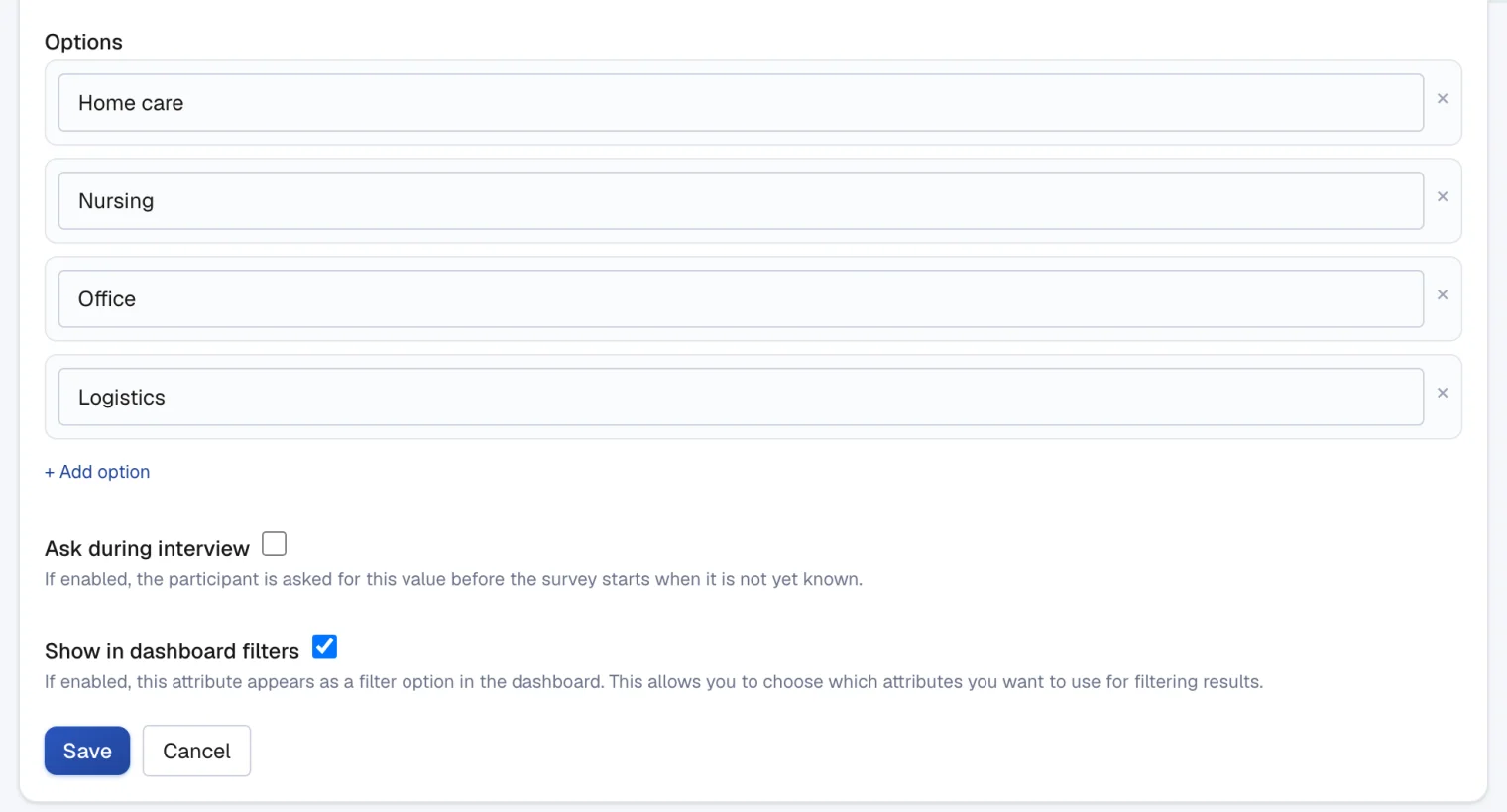
Not every attribute makes sense as a filter, such as a free-text notes field. For each attribute you now choose whether it appears in your results: in the filter bar, in the breakdown per theme and next to quotes. Turn off Show in dashboard filters and the attribute stays with your participants, out of your results.
And also
- A conclusion now has up to ten points, so less drops out in large surveys.
- The interviewer asks one question per message, so participants never have to answer two questions at once.
- Organisations that use Mistral will find interviews and analyses run more reliably, even when many people take part at the same time.
- An abandoned interview no longer shows as a warning under All interviews; it simply counts in your results.
- ScoreStory picks up a changed email address in your profile straight away.
- You can create one organisation on the free plan.
On this website
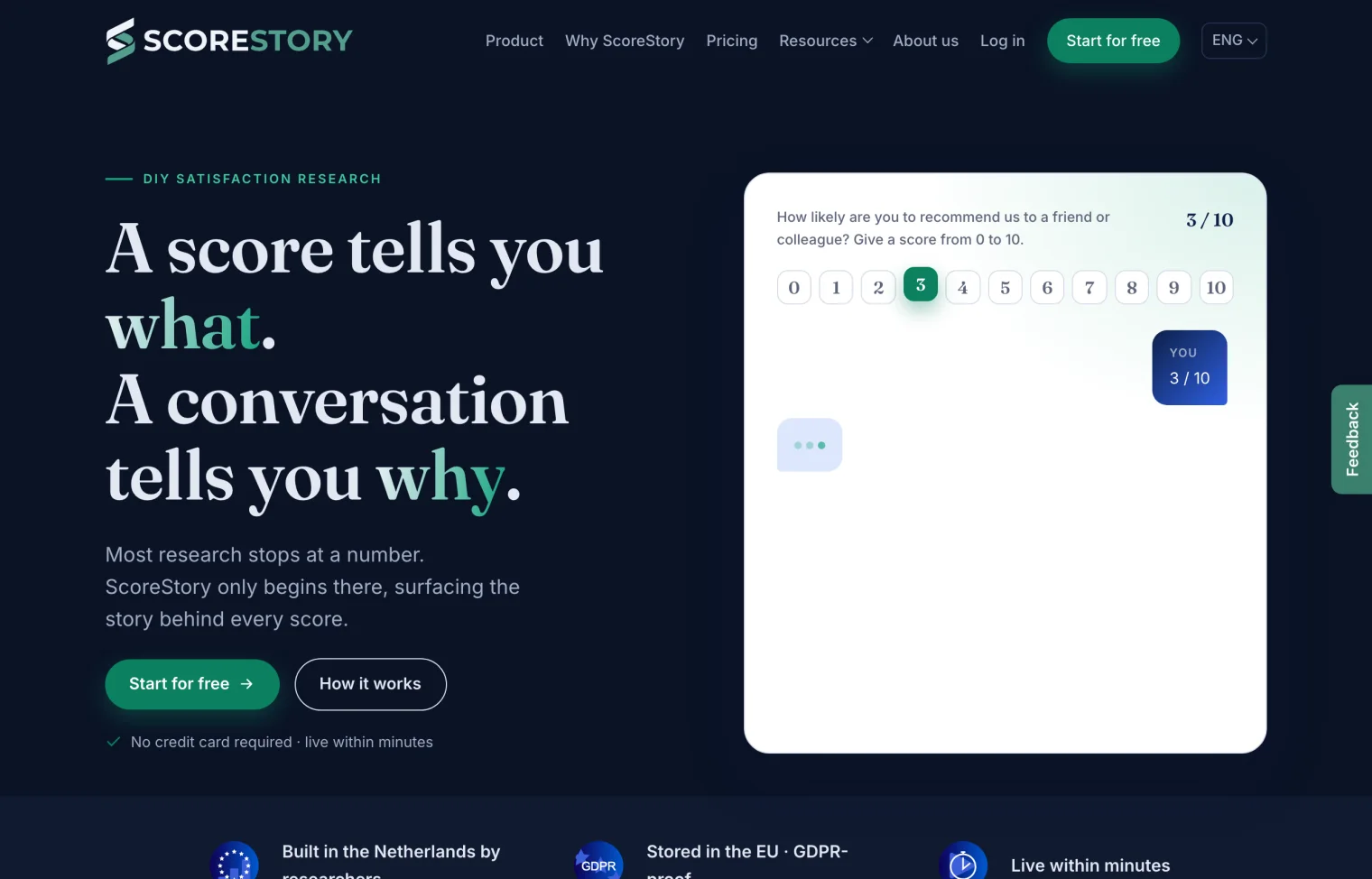
The website has a dark mode that follows your device's setting. And on the right of every page there is a tab to send us feedback. It opens an interview run by ScoreStory itself, in the page's language.
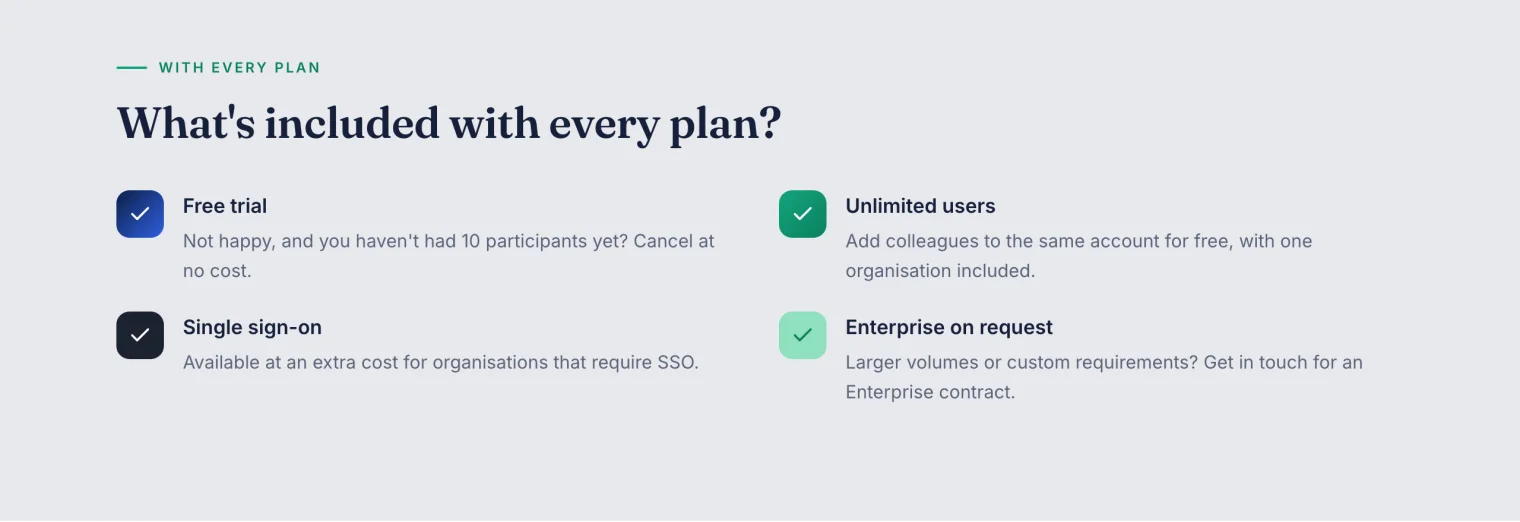
Every plan now includes unlimited users. Add as many colleagues to your account as you like, for free.
Hemmo Vriend also wrote about what website research misses when nobody asks why, and the About us page now shows the people behind ScoreStory.