We have built a lot over the past few weeks. The most visible change: ScoreStory has a face now. But plenty changed behind it too. Your results can be viewed far more precisely, you manage participants in one go, and getting started costs nothing, with no end date.
Meet Vox
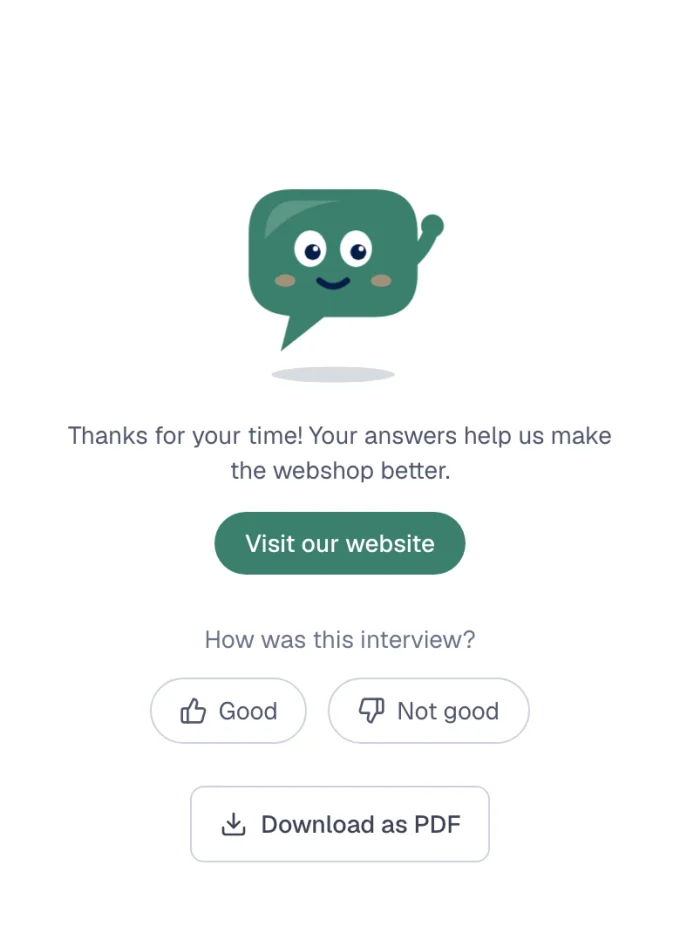
Vox is a speech bubble with eyes. It listens, thinks along and now and then looks pleased. In the interview, Vox sits next to the questions in your organisation's colour. It nods while the participant types and waves at the end.
One thing it deliberately never does: react to the score or to what someone says. Vox is there for the atmosphere, not to judge. A participant who gives a 3 never sees a disappointed face.
You will meet it too. It helps you set up a survey, answers your questions in the help chat and speaks up at milestones, such as your first story. Its answers are always marked as written by AI. Rather do without? Then switch it off per survey.
Exactly the period you want
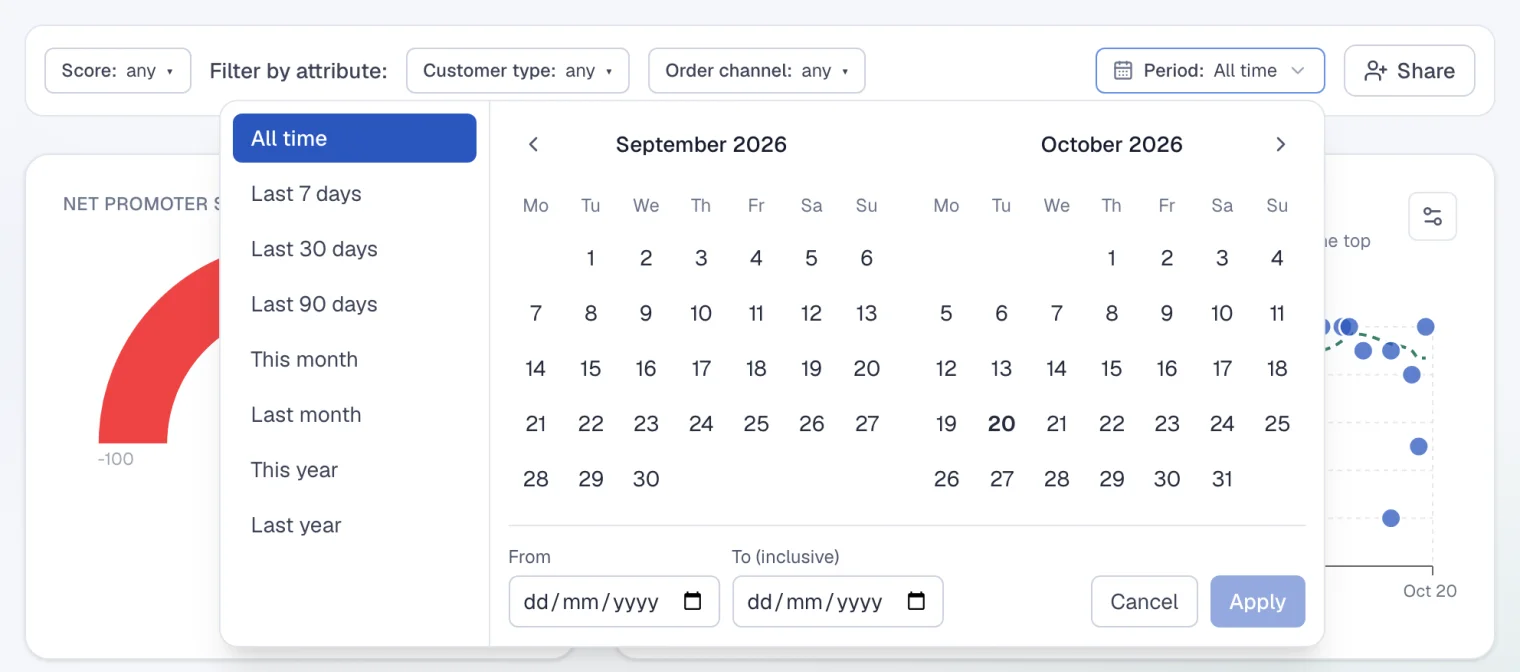
The period filter now has a calendar. Look at 1 January to 31 July, for example, or pick one of the new shortcuts: the last 7, 30 or 90 days. The score, the trend, the conclusion and the themes all follow the period you choose.
The period is part of the link. A colleague you send that link to sees exactly what you see.
Or exactly the people you want
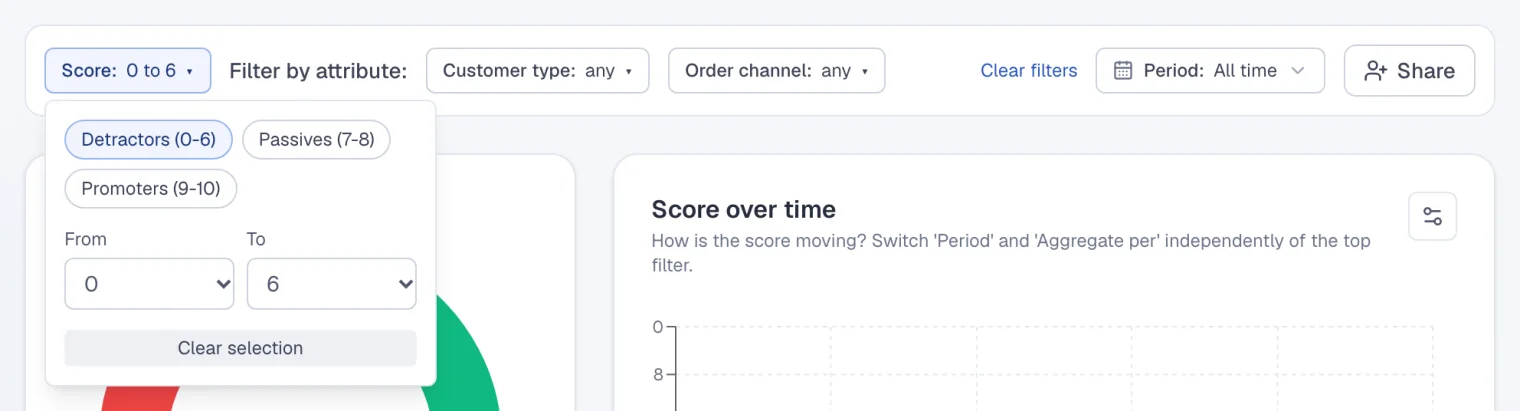
You can now filter by score as well. Choose 0 to 6, for example, and everything on the page is about the participants who gave such a score. With NPS, one click picks the detractors, the passives or the promoters.
What are your detractors actually saying? One click, and you read only their story.
Every quote now also shows the participant's attributes, such as department or location. On a theme's page you can filter by them too. In an anonymous survey those attributes are deliberately left out.
Edit participants in one go
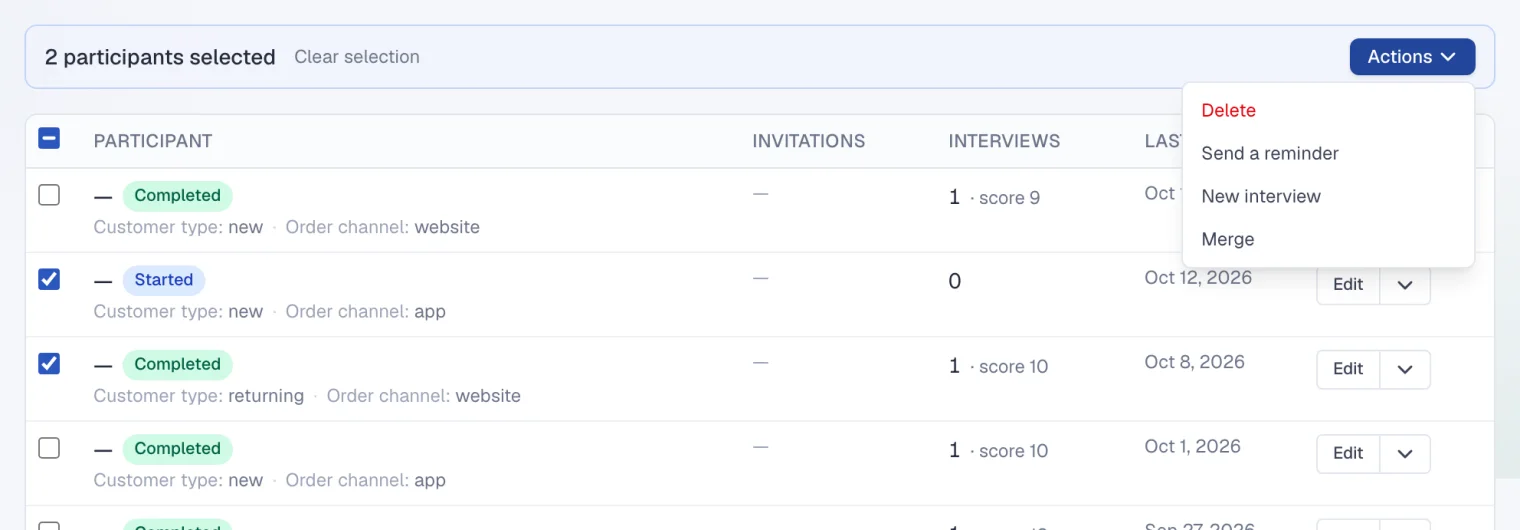
In All participants every row has a checkbox. Tick a few, or everyone who matches your filter, and choose what you want under Actions: send a reminder, set up a new interview, delete or merge. Merging is handy when someone was imported twice.
Importing got smarter as well. If your file has a column that doesn't belong anywhere yet, you turn it into a new attribute on the spot. And anyone you invited recently is skipped automatically in a new round.
Start for free, with no end date
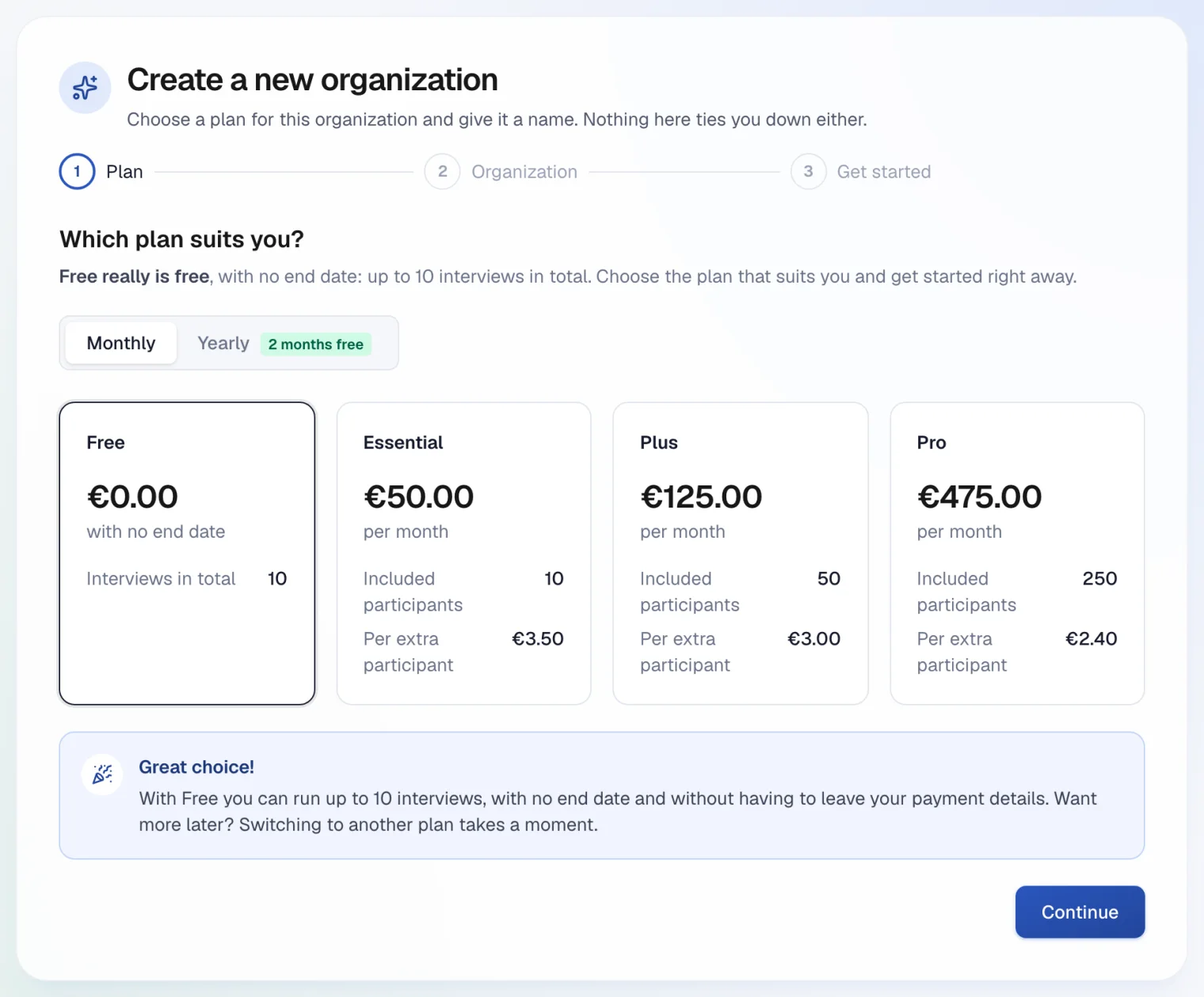
The 30-day trial is gone. The free plan simply keeps going, with ten interviews in total. When you create your organisation you choose your plan straight away and read what that choice means. After that you can look around the demo account first, or start your own survey right away.