

This week you choose which AI model runs your interviews, including a European one. ScoreStory now works in the dark too, and emails go out at the time you pick. And this website now has everything you need to get to know ScoreStory: the manual, a video course and guides to good research.
Choose which AI model your organisation uses
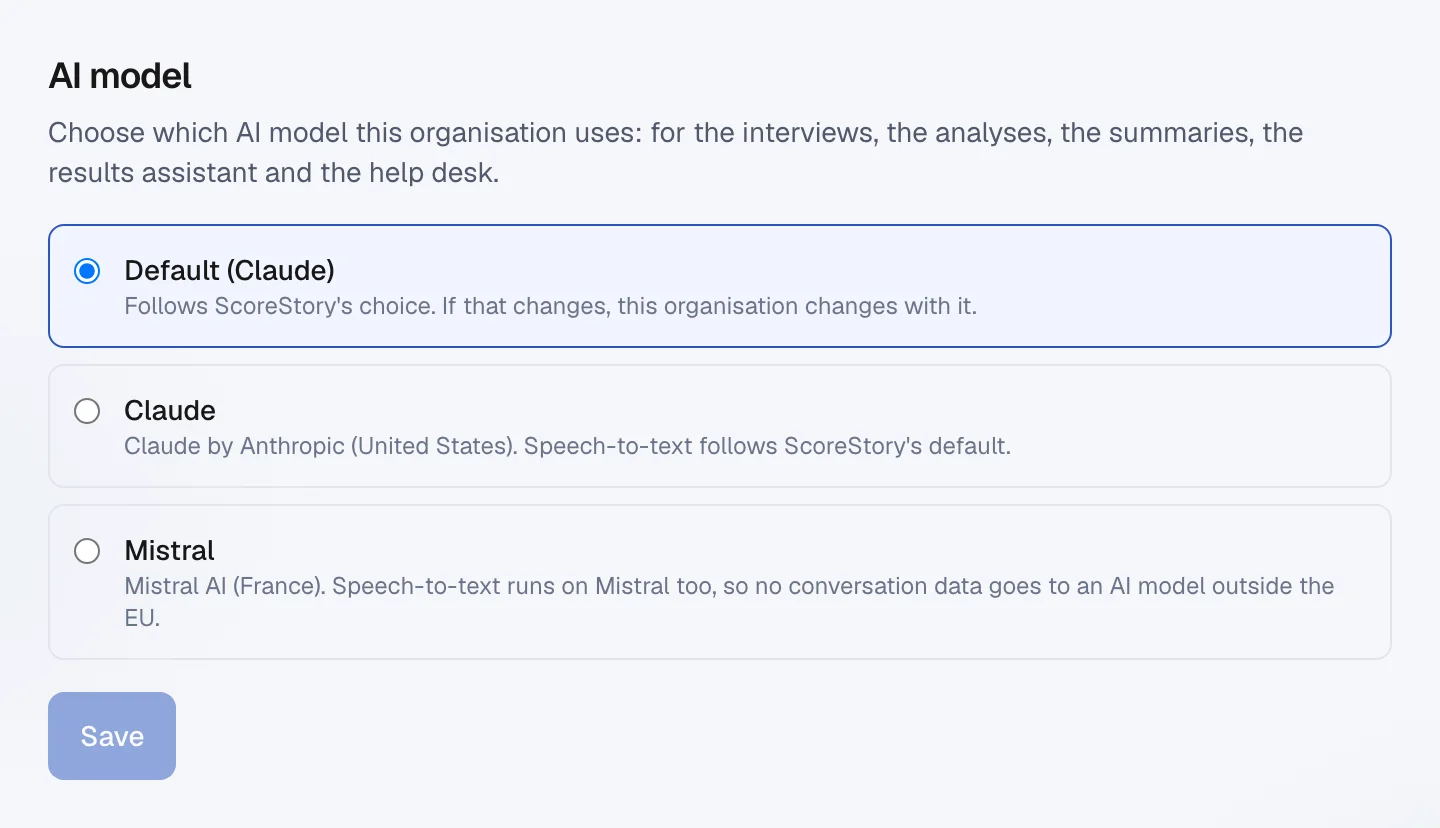
Vox runs the interviews, analyses the answers and writes the summaries. You now choose which AI model sits behind it. An admin picks it in your organisation's settings, under AI model: Claude from Anthropic or Mistral from France.
Choose Mistral, and turning spoken answers into text goes through Mistral as well. No conversation data then goes to an AI model outside the EU. Leave it on the default, and your organisation follows ScoreStory's choice, which is Claude today.
The choice covers everything AI does in your organisation: the interviews, the analyses, the summaries, the results assistant and the help desk. How we handle your data is in the updated privacy statement.
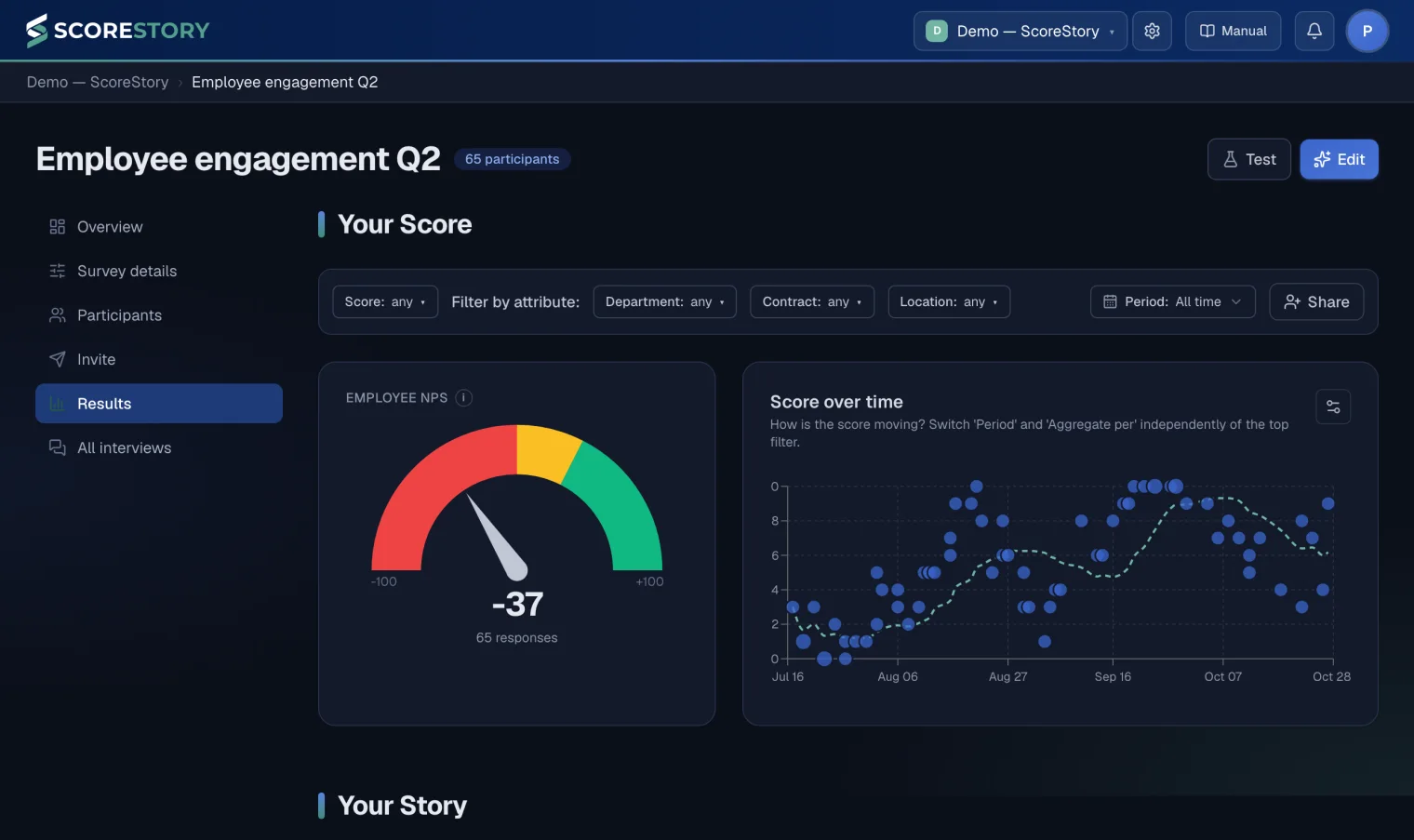
ScoreStory in the dark
If your computer or phone is set to a dark theme, ScoreStory now follows it. Every screen, from your results to the forms, has been recoloured for it and stays easy to read.
Emails at the time you choose
Emails with a day of their own, such as reminders or emails on a date from your file, always went out at 10:00. Now you choose the time per mailing. You see it in your own time zone, and emails that are already waiting move along with it.
Spotted a typo in an email that is already scheduled, or in a reminder? You now fix it straight away, without pausing the mailing first.
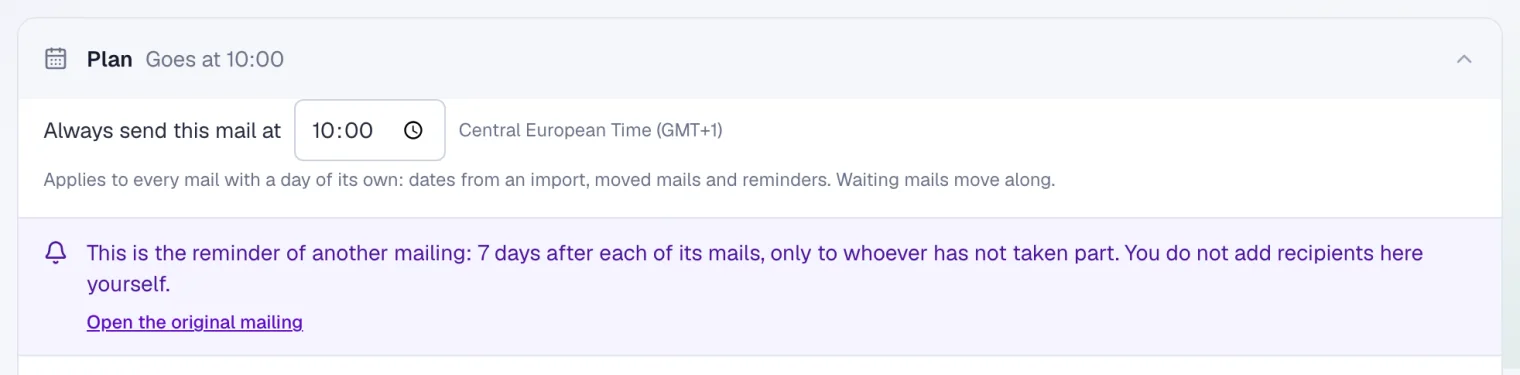
Reminders got smarter too. As soon as someone answers anything in the interview, they drop out of every reminder that is still waiting. So a mailing shows exactly who will really get the reminder.
Every email to a participant in one place
Each time you invite someone again is now called a measurement. Open a participant and you see every email to that person, per measurement: what was sent and delivered, what bounced or was skipped and why, and what is still planned. One click shows you the email itself.
Importing got easier as well. If a column holds a value that is not yet a choice for an attribute, ScoreStory adds that choice itself. And files with accents, from Excel for example, are read correctly.
A score from the email counts once someone takes part
Software that scans email for viruses sometimes opens every link in an invitation, including the score buttons. So a score from the email only counts once the participant answers something in the interview, and only then do they count as a participant. A scanner no longer fills in scores, and no longer costs you participants.
If someone comes back later through the same link, the interview reopens where possible, from the email too.
New on this website
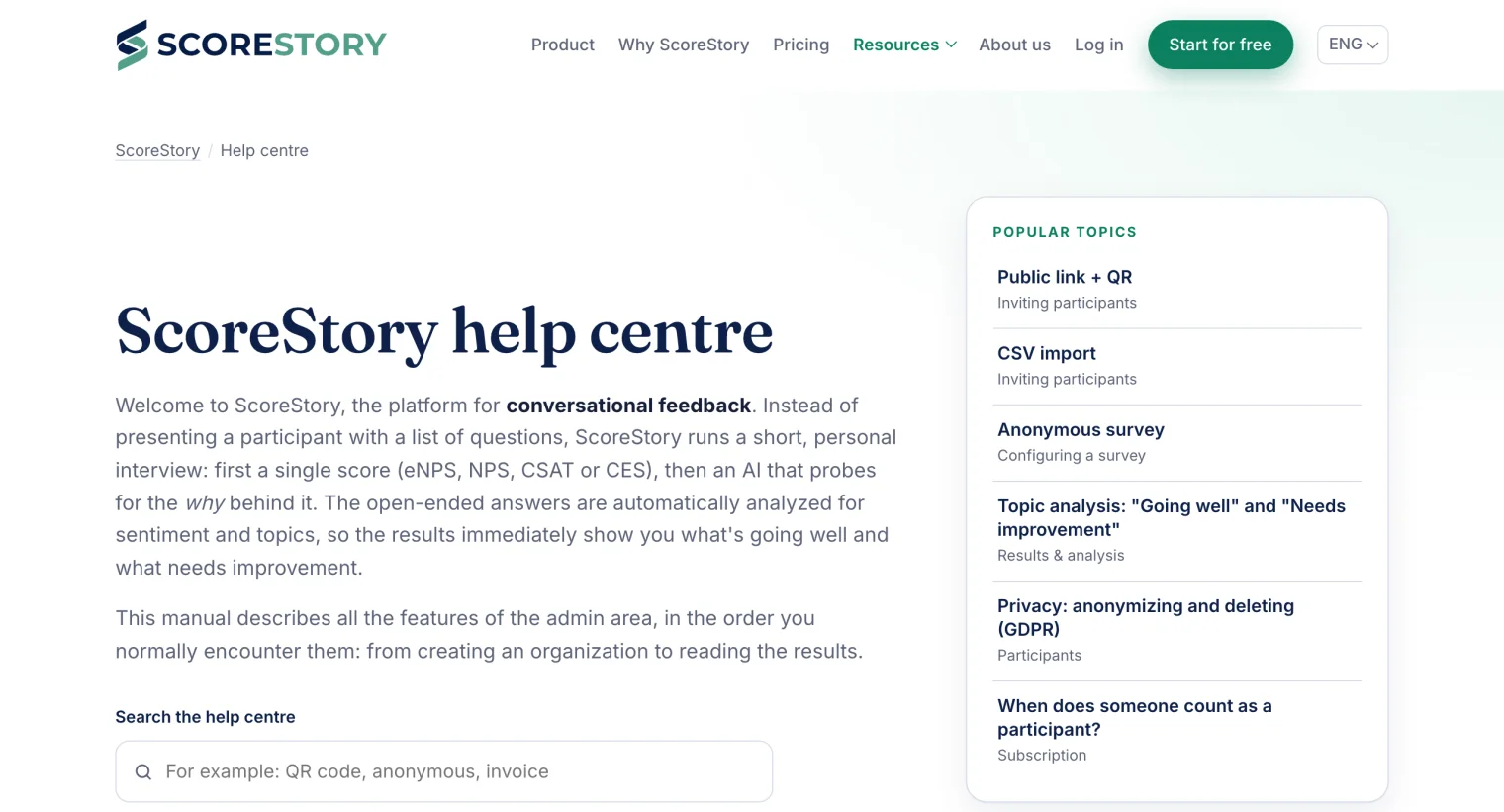
Everything to get to know ScoreStory is now here, under Resources in the menu, in five languages.
- Help centre. The manual is public, searchable and illustrated with screenshots in your own language. The Manual button in ScoreStory takes you there.
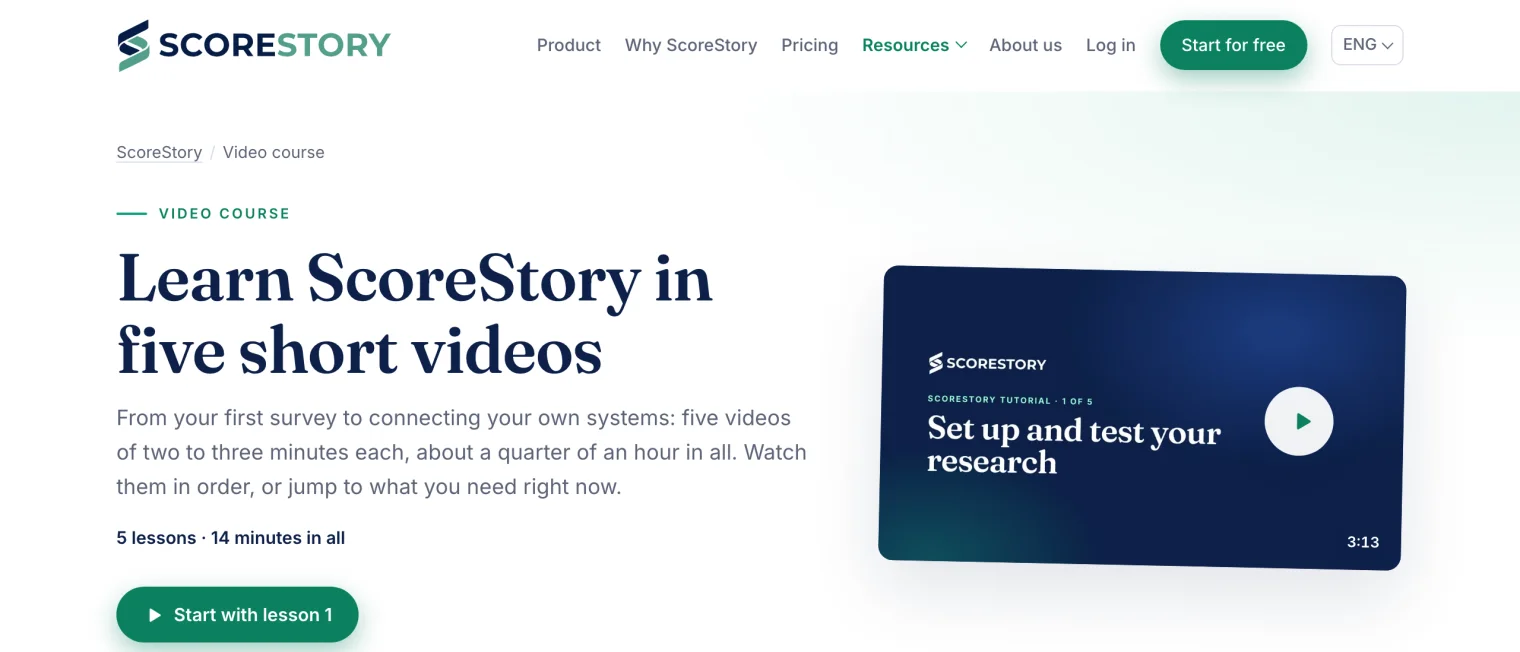
- Video course. Learn ScoreStory in five short videos of two to three minutes each, from your first survey to connecting your own systems.
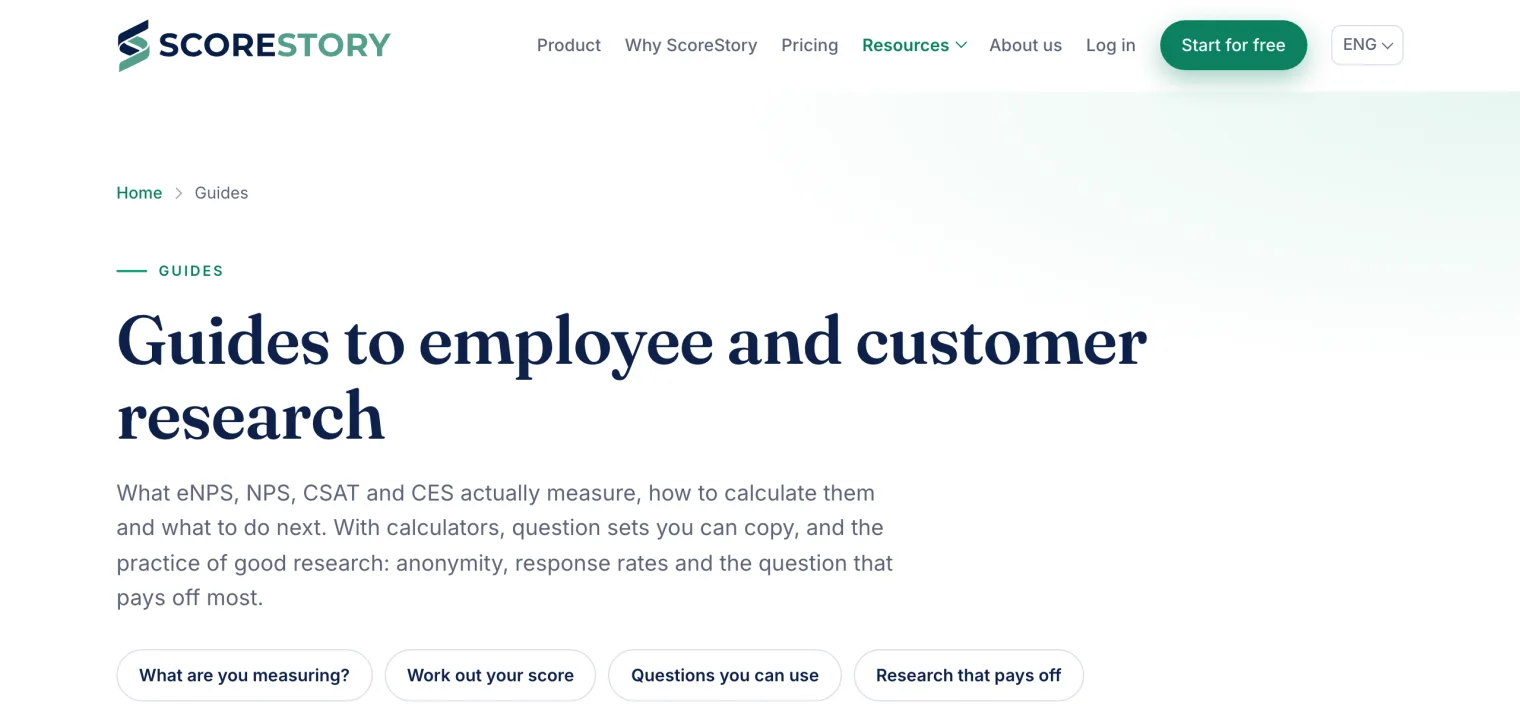
- Guides. Explanations of eNPS, NPS, CSAT and CES, with calculators, question lists to copy and tips for a better response rate.
- Comparisons. How ScoreStory compares with other tools: fair, with sources, and with when another tool fits better.
Log in now sits in the menu too, and the privacy statement has been rewritten: for each supplier you see what it does and that a data processing agreement is in place. Working with an AI assistant such as Claude? The developers page explains how to connect ScoreStory to it.